
Security overview
What the zero-knowledge design protects, and what it does not
Signing in to the server and unlocking the vault are separate steps. The server checks who you are and stores vault values only in encrypted form.
Browser, server, and storage have different jobs
The browser sends signed-in requests to the server. Secret payloads are encrypted in the browser before they are stored. On disk, the server keeps ciphertext, wrapped keys, salts, and operational metadata in local SQLite.
- The master password stays in the browser workflow
- Vault keys are unlocked in browser-session memory
- Plaintext only during reveal, copy, fill, or import

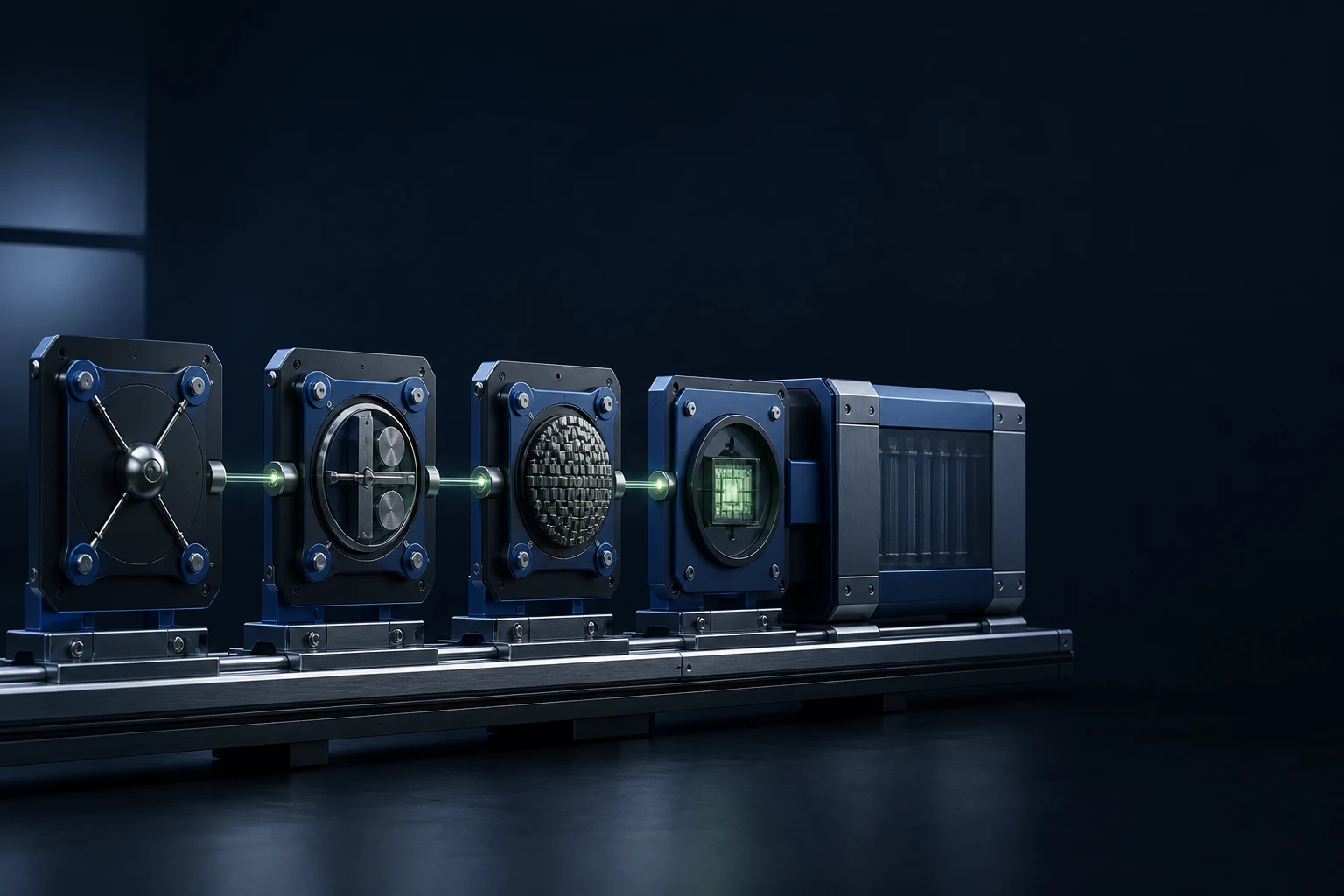
Four checks before an update installs
Before an update is trusted, the managed update path checks an Ed25519-signed manifest, the allowed release host, the SHA-256 hash, and the file size. The v3.0.3 MSI is unsigned, so this release makes no Authenticode signer claim.
- Manifest, public key, and MSI from the same release
- The official package file name is fixed in the manifest
- Any mismatch stops the installation and deletes the untrusted download
Your team still protects everything around the vault
Zero knowledge does not take away endpoint, identity, certificate, backup, or signing duties. Master passwords, authenticator devices, private keys, PFX files, databases, backups, logs, agent access tokens, and real screenshots all stay sensitive.
- Least-necessary role and vault access
- Off-host full backup and a controlled restore test
- Revocation for agent tokens and extension devices
- Redacted evidence pack for support
Each connection carries its own kind of data
The browser sends signed-in requests and encrypted material. The DC Agent sends directory metadata and a health signal. External packages, update files, and support messages each follow a separate path.
See the data boundariesMaster password, TOTP, and session lock
The master password has at least 14 characters. Two-step verification adds a six-digit code from an authenticator app. The vault locks after 15 minutes without activity, and only the Owner sees the session list.
Read about sign-in securityGlobal roles and vault roles
The global role (Owner, Admin, Auditor, or User) sets what a person can do in the console. The vault role (Viewer, Editor, or Manager) sets what they can do inside one vault.
Review users and rolesReport a suspected vulnerability privately
Write to support@vaultpilot.io with a separate security report and the smallest redacted reproduction. Keep exploit details and secrets out of public posts.
Read the responsible disclosure policy