
Self-hosted enterprise vault
A zero-knowledge secrets manager for teams that run Windows Server
VaultPilot installs on your Windows Server and is used from a browser over HTTPS. It holds your team’s passwords, credentials, API keys, secure notes, certificates, and file-backed secrets. The server stores them only in encrypted form.
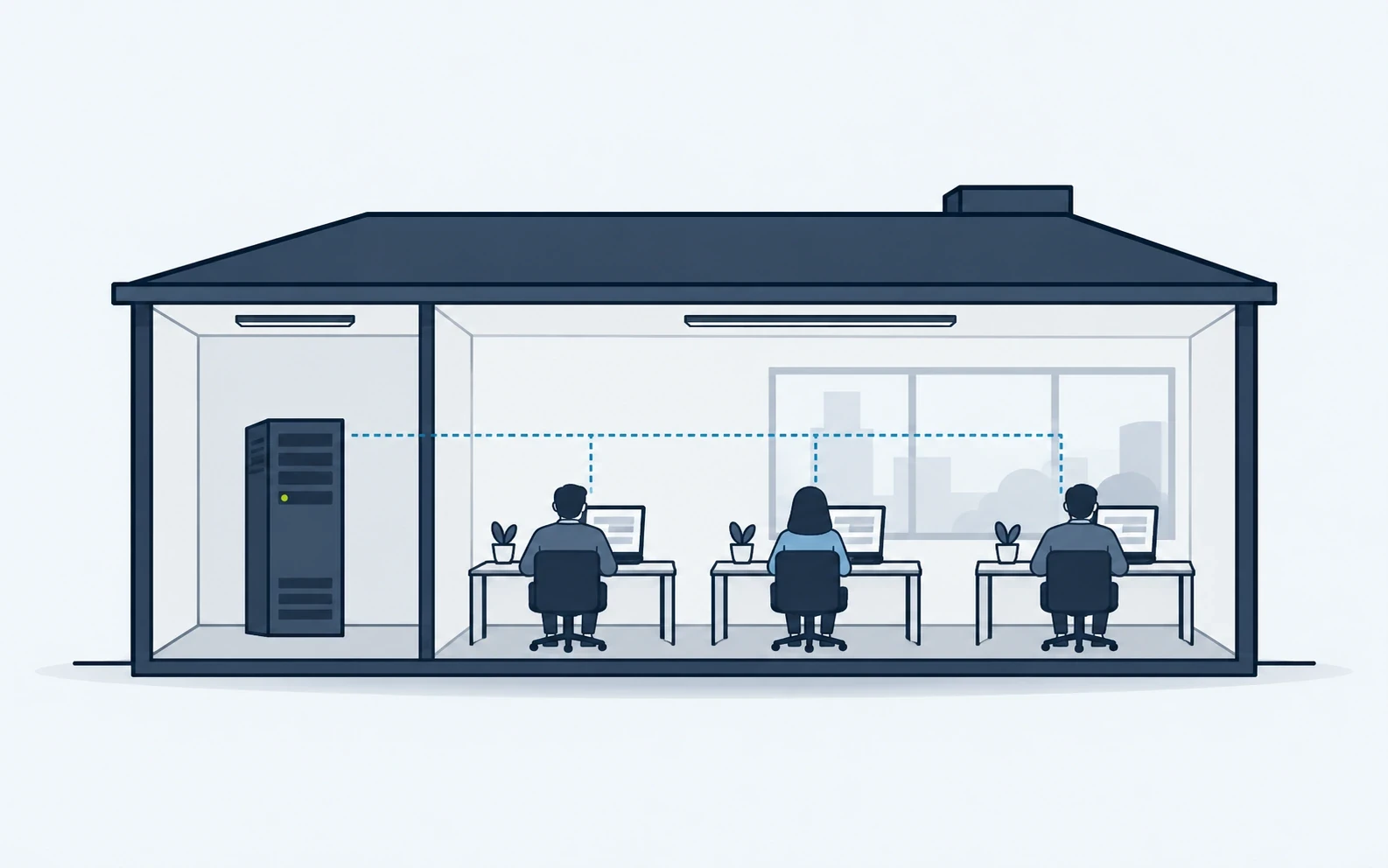
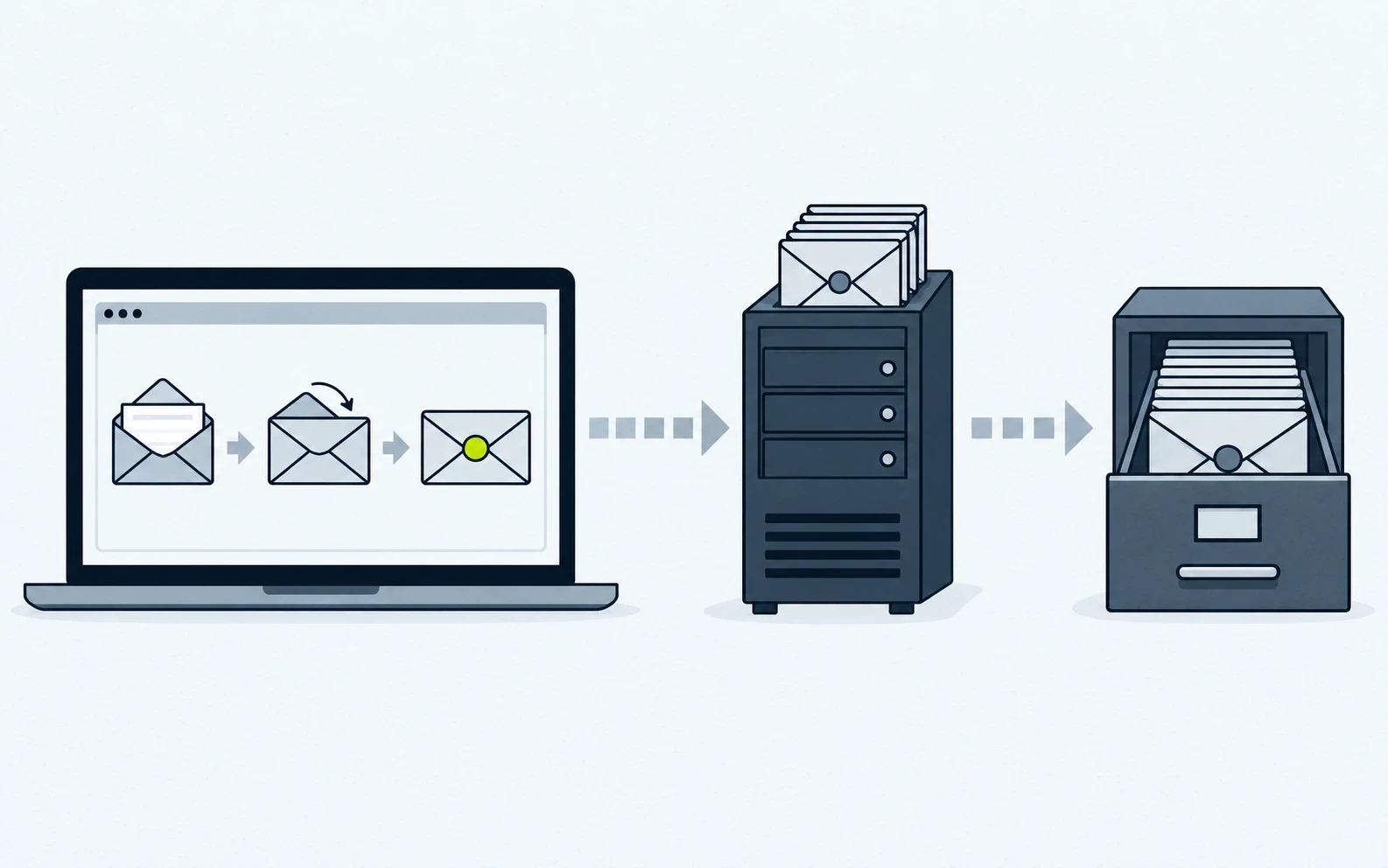
The server runs the service; the browser handles secret values
The server checks who is asking and stores encrypted records. The signed-in browser unlocks the vault keys in session memory and encrypts each supported secret before it is saved.
Explore the security modelControl each step of the credential lifecycle
Store, use, share, review, and recover records from the console on your own server.
Passwords, API keys and certificates
Keep passwords, API keys, and certificates masked until an authorized user reveals or copies them, and get a warning before a certificate expires.
Vault recordsBrowser extension
Pair named Chromium devices for autofill and save prompts, and revoke a device when needed.
Browser extensionEncrypted sharing
Share selected records internally or in passphrase-protected packages with expiry controls.
SharingDirectory context
Sync approved Active Directory metadata through an optional agent that you enroll.
Active DirectoryAudit history
See who did what and when for sign-in, vault, sharing, and configuration events; each event is chained to the one before it.
Audit historyBackup and recovery
Keep Quick Recovery separate from a full server backup, and match the recovery file to the failure.
Backup and recoveryReview possible credential exposure without collecting passwords
Approved users can check login pages on private networks, TLS weaknesses, and authorized files that may hold credentials outside the vault. Discovery only reads. It stores redacted findings, never tries a password, and never changes a source file.
Explore Discovery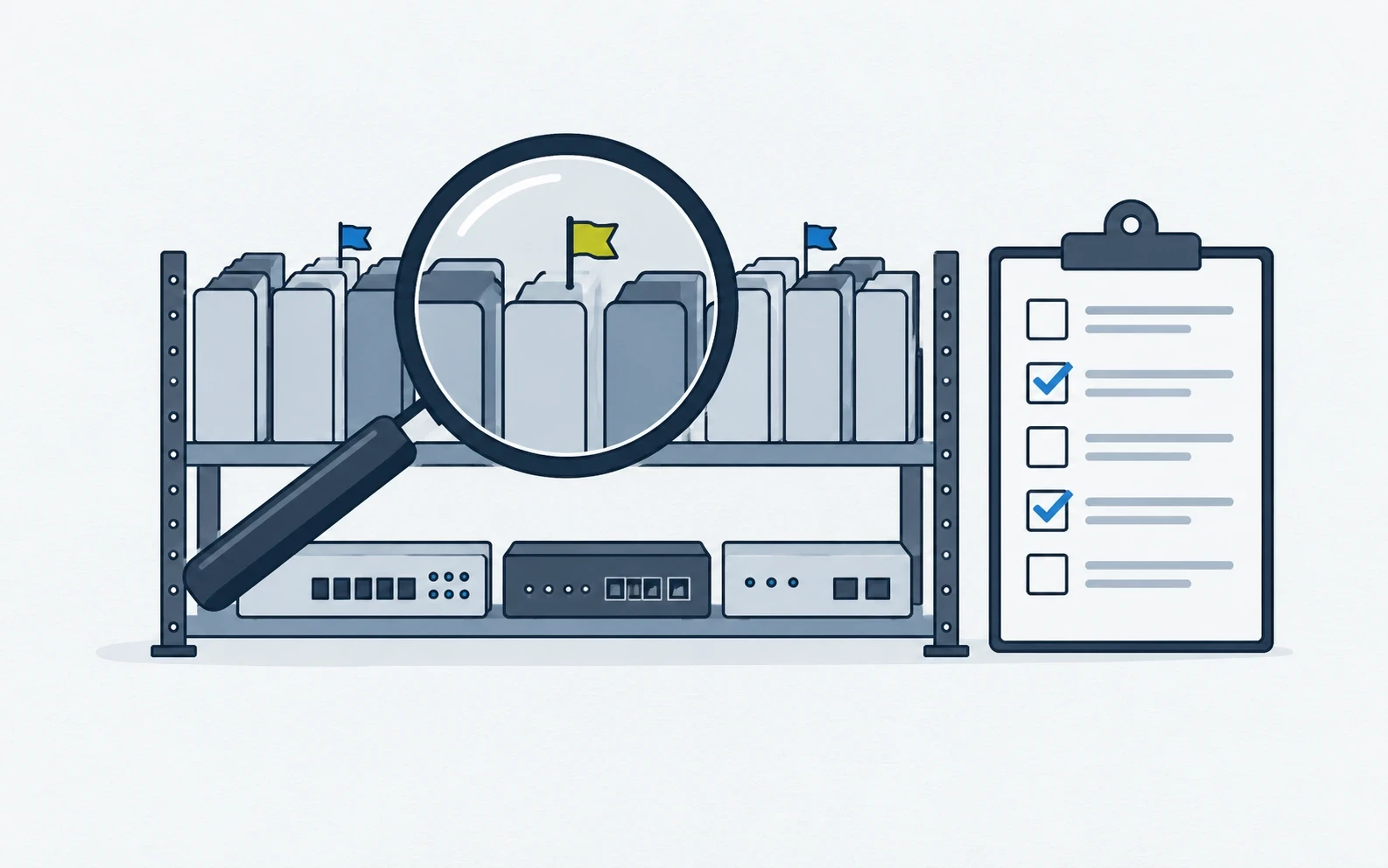
Three guides before you install
Guides for VaultPilot 3.0.3: system requirements, installation, and update verification.
See VaultPilot in your own environment
Tell us what the evaluation should cover, or open the live demo with sample data first.