
Update verification: check each release's manifest, hash and size
For v3.0.3, VaultPilot installs the unsigned MSI from the official release only when the Ed25519-signed manifest, allowed host, filename, SHA-256, and file size all agree.
- Authority
- Ed25519-signed manifest
- Asset identity
- URL, name, hash, and size
- Windows package
- v3.0.3 unsigned MSI disclosed
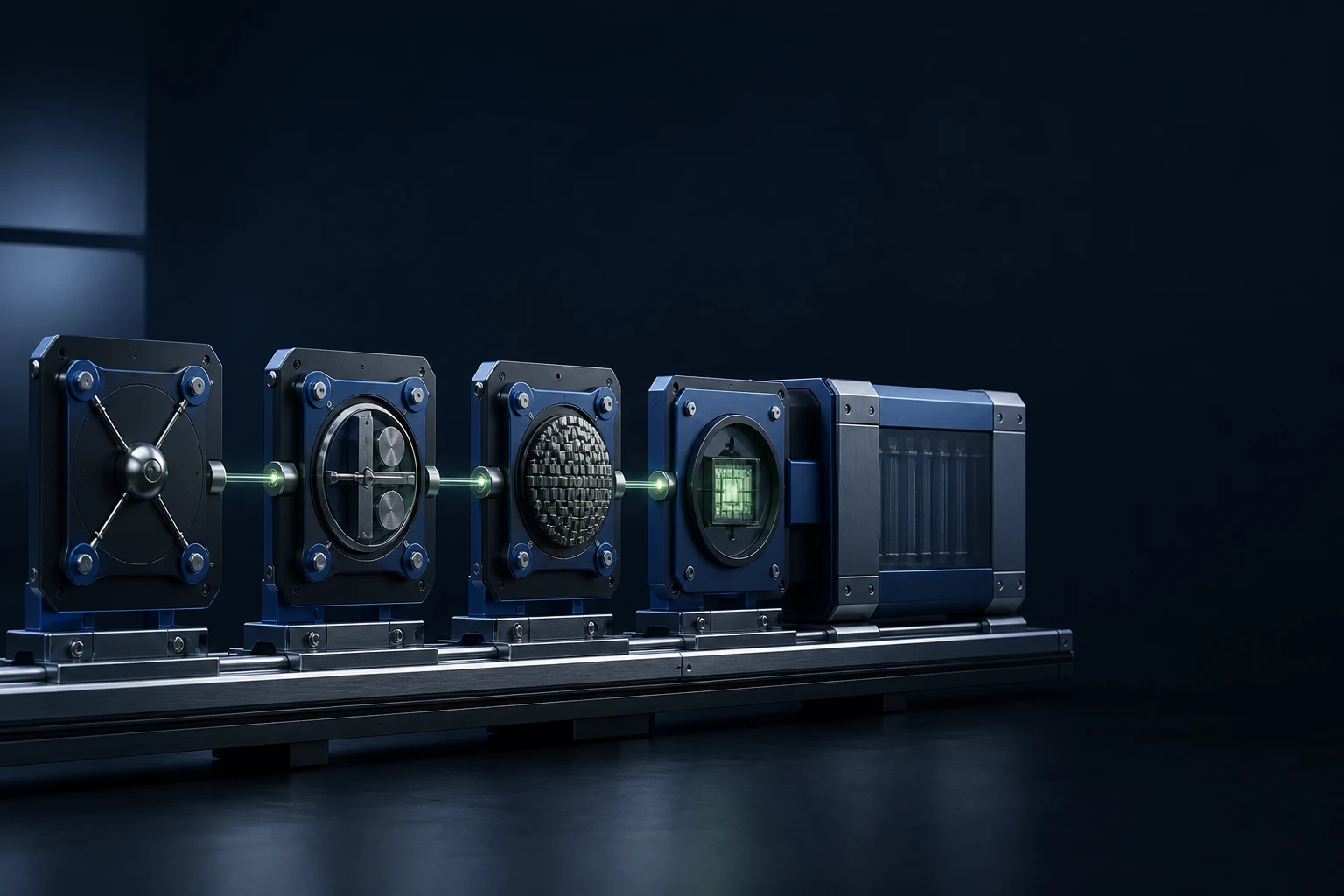
The manifest ties the release together
Read the published release and its manifest as one set, and never copy a filename or checksum from another build. A download link alone says nothing about the file behind it. The manifest carries these facts.
What VaultPilot checks before installing
VaultPilot confirms that the release URL stays on the allowed release host. It then compares the v3.0.3 asset with the filename, SHA-256, and file size in the manifest, and all three must match exactly. The MSI itself is unsigned in this release, and Windows reputation is a separate matter.
Any mismatch stops the install
If the signature, host, filename, hash, size, or version does not match, the chain is broken and the file is not accepted. Delete the download and go back to the canonical release. Resolve the difference before you install, mirror, or redistribute anything.
- Take the manifest, public key, and MSI from the same release
- Report any doubt through a private channel
Where the unsigned-MSI exception applies
The exception covers only the update path that VaultPilot manages from the official release. Locally staged MSI files and packages downloaded some other way get no such exception and still need a valid signature.
Limits to know
- A matching checksum alone does not show that the manifest, host, and release details are right.
- Stating that the v3.0.3 MSI is unsigned says nothing about Windows SmartScreen reputation.
- Verification cannot make a file from an untrusted or unclear source trustworthy.
Check step by step
Read more in the guides: Release asset verification, Security and trust model, Update Center